

Microsoft’s Windows 11 has evolved significantly since its debut in 2021, and with each annual feature update, the company refines its flagship operating system to meet changing user expectations and competitive pressures. Windows 11 version 25H2 is the latest such release, continuing the tradition of delivering new tools, visual refinements, and deeper integration with cloud services and artificial intelligence. This article breaks down everything you need to know about the 25H2 update, including its rollout approach, headline features, performance improvements, and how it fits into Microsoft’s broader strategy.
Release timeline and rollout strategy
Like previous Windows 11 feature updates, version 25H2 is being delivered incrementally rather than as a forced, all-at-once upgrade. Microsoft began testing 25H2 in the Windows Insider Program months before general availability, with builds appearing in the Dev and Beta channels. The official rollout started in late 2025, initially targeting devices that are already eligible for upgrades and are running versions nearing the end of service. This phased approach helps Microsoft monitor telemetry, fix compatibility issues, and ensure a smoother experience for the broad user base.
For users still running Windows 11 22H2 or 23H2, the transition to 25H2 is designed to be straightforward. Microsoft uses an enablement package in many cases, which means the update is small and fast because the new features are already present in the servicing stack. This technique, first used with Windows 11 23H2, reduces download sizes and installation time. However, some devices may receive a full feature update if they are significantly behind on the latest cumulative updates.
Enterprise administrators have more control through Windows Update for Business and tools like Windows Autopatch. Microsoft typically offers a 24-month support lifecycle for Home and Pro editions, while Enterprise and Education editions get 36 months. Version 25H2 is expected to follow the same support pattern, giving organizations ample time to plan and test deployments.
System requirements and compatibility
One of the major questions every Windows release brings is whether your PC can run it. Windows 11 has a strict baseline set at launch: 64-bit processor with at least 1 GHz and two or more cores, 4 GB of RAM, 64 GB of storage, UEFI firmware with Secure Boot capability, and TPM version 2.0. Version 25H2 does not raise these minimum requirements. That means if your device already runs Windows 11, it will be eligible for the 25H2 update, provided it receives the necessary cumulative updates and driver support.
However, Microsoft has increasingly emphasized the importance of AI-ready hardware. Many of the advanced Copilot features in 25H2, such as local AI processing and live captions with translation, benefit from a Neural Processing Unit (NPU). Copilot+ PCs, which launched in 2024 with dedicated NPUs, are positioned as the premium tier for getting the most out of the operating system. While standard PCs will still get the core update, certain AI-driven experiences may be limited on older hardware without an NPU.
Storage space is another consideration. Although the enablement package trick reduces download size for those near the latest update, Windows still requires a few gigabytes of free space for temporary files and rollback options. Microsoft recommends keeping at least 20 GB free to avoid installation failures.
User interface and visual changes
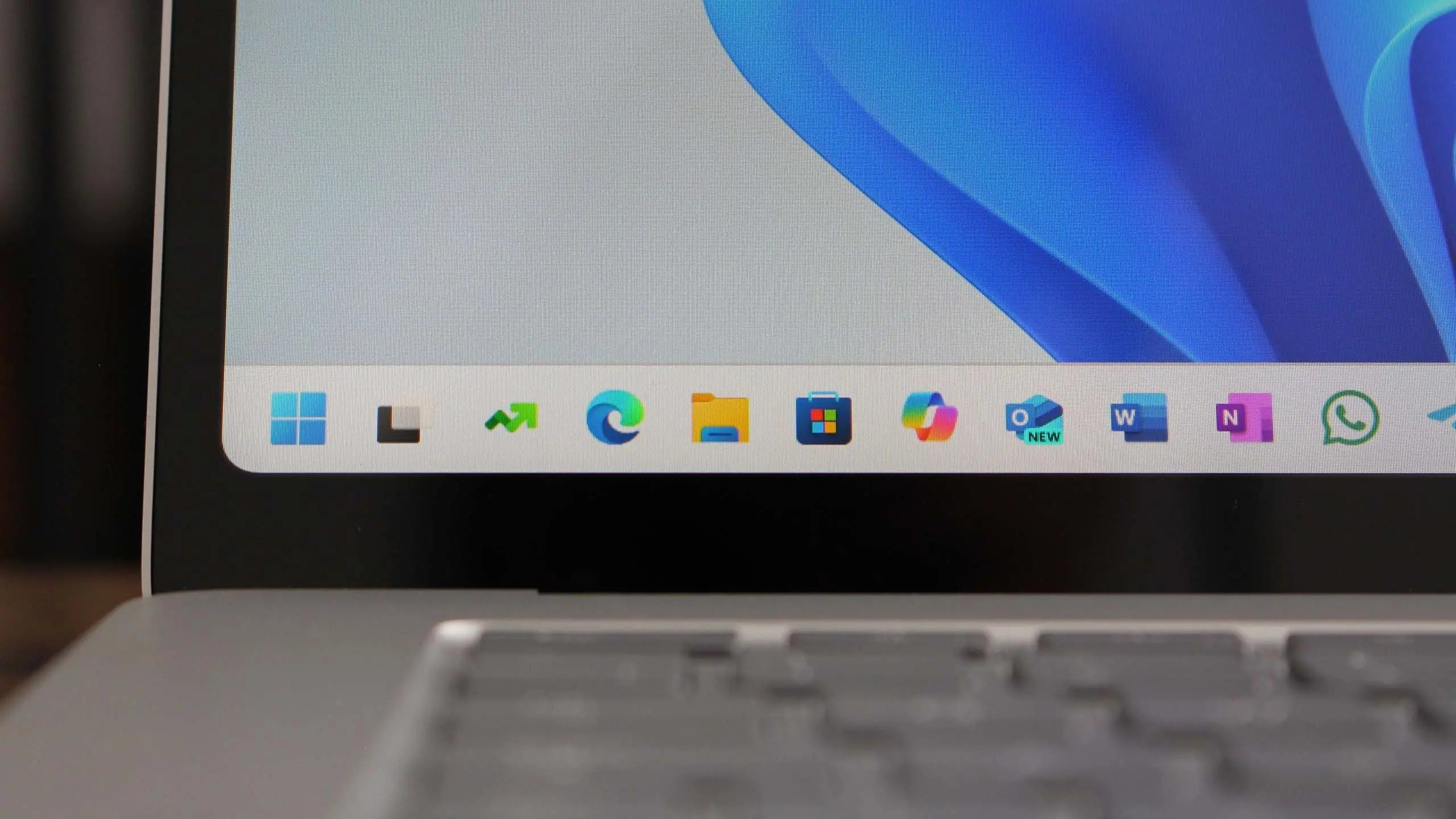
Windows 11 version 25H2 refines the visual language introduced with the original Windows 11 release. The taskbar, which has been a point of contention for users wanting more flexibility, gains several improvements. A new “minimal” mode allows icons to be smaller and the taskbar to be less cluttered. Users can also reposition the taskbar to the left, top, right, or bottom of the screen in 25H2, a feature that many long-time Windows users requested after Microsoft removed the ability in Windows 11’s first release.
The Start menu is also receiving subtle but useful enhancements. Dynamic badges on app icons display notification counts and live activity, similar to what phone operating systems offer. Users can pin folders directly to the Start menu, making it easier to organize workspaces. The recommended section becomes more intelligent over time, learning user habits and surfacing files and apps that are likely to be needed during specific times of day.
File Explorer gets a modernized design with a refreshed navigation pane, better integration with OneDrive, and a new “Gallery” feature that aggregates photos from local drives and cloud storage. In 25H2, the Gallery gains new filters and timeline-based grouping. The command bar has been streamlined, and Copy and Paste actions now have enhanced options for formatting and cross-device sharing.
Snap Layouts, introduced in Windows 11, become even more intuitive in 25H2. Users can hover over the maximize button to see available layouts, which now include layouts for ultrawide monitors and multiple displays. There is also a new “Snap Groups” feature that remembers a group of windows and lets you restore them with a single click, especially when you reconnect a second monitor or dock.
AI features and Copilot integration
Artificial intelligence is the centerpiece of Windows 11 25H2. Microsoft has been investing heavily in Copilot, its AI assistant, and the 25H2 update deepens the integration across the operating system. Copilot is no longer just a side panel; it is woven into the search experience, the notification center, and even the context menu. When you right-click on a file, Copilot can summarize, rename, or send the file to a connected Android phone—all from within the same menu.
One of the most anticipated features is “Click to Do,” which acts as an overlay that recognizes on-screen content. If you are looking at an image, Click to Do offers actions like background removal, reverse image search, or copying text. If you are reading a document, it can summarize the text, compare it with another document, or translate it into a different language. This feature is designed to reduce friction by bringing contextual actions directly to the user instead of forcing them to navigate through multiple apps.
Live Captions in Windows 11 25H2 supports more languages and can translate audio from any video call or media player in real time. With an NPU, the captioning works offline and uses minimal battery. For people with hearing impairments, this is a major accessibility win. Microsoft has also improved Voice Access, allowing users to control the entire system with voice commands, including detailed text editing and navigating through emails or documents.
Recall, the controversial feature that records snapshots of everything you do on your PC and lets you search through them using natural language, is back in 25H2 with stronger privacy controls. Recall was initially announced with Copilot+ PCs but faced criticism and delays due to security concerns. The 25H2 version uses encryption and requires explicit user opt-in. Snapshots are stored locally and can be filtered by app or time period. Users can delete all snapshots at any time, and they can exclude specific applications or websites from being recorded.
Security and privacy enhancements
Security remains a core pillar for Windows 11, and 25H2 introduces several new features to protect users from evolving threats. Smart App Control, which debuted in 24H2, is now more refined. It blocks untrusted applications and prevents scripts from running in memory if they are not signed or have a poor reputation. In 25H2, Smart App Control gets better at understanding what constitutes legitimate software, reducing false positives while maintaining strong protection.
Microsoft Defender for individuals, also known as Defender Security Center, adds a new “Security Overview” dashboard that gives a one-glance status of your account, device, and cloud identity. It now includes identity theft monitoring and credit monitoring in select regions, making it a comprehensive tool for personal security.
Windows Hello receives an upgrade with support for passkeys, which let you sign into websites and apps without a password. Passkeys use a combination of your device’s trusted platform module (TPM) and your biometric data to create a secure, phishing-resistant credential. In 25H2, you can store and manage passkeys across devices using your Microsoft account.
Privacy has also been a focus. The Windows diagnostic data viewer is updated to show exactly what telemetry is being collected, and users can now delete individual diagnostic events. Permission settings for microphone, camera, and location are clearer, with improved per-app controls and a new “recent activity” log that shows which apps accessed sensitive sensors in the last seven days.
Performance and battery life
Windows 11 25H2 includes under-the-hood improvements that make everyday tasks faster and more efficient. Microsoft has optimized the scheduler for hybrid processors, especially for Intel Core Ultra and AMD Ryzen 7000 and newer chips with performance and efficiency cores. The operating system can now dynamically decide which threads run on which cores, improving responsiveness while reducing power consumption.
For mobile devices, battery life is a major concern. 25H2 introduces “Energy Saver” mode, which replaces the older battery saver. Energy Saver can be turned on at any time, not just when the battery is below 20%. When active, it reduces background activity, lowers screen brightness slightly, and throttles non-essential processes. Microsoft claims that on Copilot+ PCs, the combination of the NPU and Energy Saver can extend video playback by up to 30%.
Memory management also gets a boost. The “Memory Integrity” feature, part of core isolation, is more efficient in 25H2 and uses less CPU overhead. The overall memory footprint of the OS is lower after fresh installation compared to earlier versions, freeing up resources for productivity and gaming.
Gaming improvements
Windows 11 has always been a strong gaming platform, and 25H2 doesn’t disappoint. The Xbox app integrates deeper with the OS, and the Game Bar gains a new overlay for the Xbox Wireless Controller firmware updates and accessory settings. Auto HDR and DirectStorage are enhanced, allowing games to load faster and render with better dynamic range on supported displays.
One notable addition is the “Game Mode” customization. Users can now allocate CPU cores and GPU priority for a select game, ensuring that other background processes do not interfere with gameplay. This is similar to what third-party software has offered for years, but now it’s built into Windows.
For cloud gaming enthusiasts, Windows 11 25H2 includes better Wi-Fi 7 and Wi-Fi 6E support, reducing latency and jitter when streaming from Xbox Cloud Gaming or GeForce NOW. The operating system also supports Low Latency Audio, which helps with Bluetooth headphones and wireless earbuds.
Mixed reality and collaboration
Microsoft continues to invest in mixed reality with the Windows Mixed Reality platform. In 25H2, the Clipchamp video editor gains a new “Auto Compose” feature that uses AI to generate highlight reels from raw footage. The Photos app also improves, with AI-backed search that lets you type “dogs at the beach” or “birthday cake” and see relevant results from your local library.
Teams integration is more seamless. The Meet app now appears in the taskbar by default, allowing users to start a chat or video call with a single click. There is also a new “Places” feature, which creates a persistent virtual space for teams to collaborate beyond individual meetings. It is meant to mimic physical offices, with shared whiteboards, files, and even avatars.
The operating system’s web-app capabilities are enhanced. PWA (Progress Web App) installations now have access to more system APIs, including notifications and background sync. Edge, of course, benefits from Windows integration. The browser can use Windows Hello for passwordless sign-in and takes advantage of the OS-level security features.
Administration and deployment for IT
For IT departments, Windows 11 25H2 introduces several tools to simplify management. The Windows Update for Business deployment service now supports more granular controls, including the ability to phase updates by device groups or ring percentages. Administrators can also pause updates for up to 35 days, an increase from the previous 14-day limit.
Microsoft Endpoint Manager (Intune) has new policies specifically for 25H2. These include settings for controlling AI features, such as disallowing Recall or configuring Copilot for enterprise data protection. The Security Baselines for Windows 11 have been updated to reflect the new security features, and the Microsoft Security Compliance Toolkit now includes a 25H2 baseline.
Diagnostics and troubleshooting have also improved. The Event Viewer and Reliability Monitor are easier to use, and there is a new “Troubleshoot” section in Settings that bundles common fixes. For IT helpdesks, the faster update process means fewer tickets related to feature updates, since the enablement package significantly reduces installation time and potential failure points.
What about the version number? Why “25H2”?
Windows 11 feature updates use a naming scheme based on the year and half of the year. “25H2” stands for the second half of 2025. This follows the pattern set by 22H2, 23H2, and 24H2. The naming is simple, but the numbering does not always indicate the exact month of release. Microsoft typically announces the version in the first half and ships it in the second half, often in September or October.
It’s also important to distinguish 25H2 from the previous “24H2” update. 24H2 was a major architectural change, bringing the Windows 11 version base closer to Windows 10 in terms of servicing. 25H2 builds on that foundation, focusing more on features and quality rather than breaking changes. For users already on 24H2, the move to 25H2 is expected to be smoother and less disruptive.
Some users may confuse 25H2 with Windows 12, which has been rumored for years. Microsoft has clarified that Windows 11 is the current brand and there are no plans for a “Windows 12” in the near future. The 25H2 update is the latest evidence that the company is sticking with Windows 11 as its primary consumer and business OS, iterating on a consistent cadence.
How to get Windows 11 25H2
If your PC meets the system requirements and is on the latest Windows 11 version, the 25H2 update will appear in Windows Update. You can go to Settings > Windows Update and click “Check for updates.” If you are eligible, you will see an offer for “Windows 11, version 25H2.” Microsoft does not force the update immediately; you can choose to schedule it for a convenient time or pause updates for a few weeks.
For those who want to install the update manually, the Windows 11 Installation Assistant is available from Microsoft’s website. You can also use the Media Creation Tool to create a bootable USB drive or download an ISO file for a clean installation. If you are in the Windows Insider Program, you may already have access to the release preview branch, which ultimately becomes the public version.
Before upgrading, it is always wise to back up important files. While the update process preserves personal files and settings, any major feature update can occasionally cause driver or application compatibility issues. Microsoft provides a rollback option within 10 days after installing the update, allowing you to revert to the previous version if something goes wrong.
Organizations using Windows 11 Enterprise can access the update through the Microsoft 365 admin center or Windows Update for Business. Microsoft makes the ISO available on the Volume Licensing Service Center (VLSC) or the Microsoft 365 Apps admin center. Enterprises are advised to test 25H2 in a pilot group before broad deployment, especially if they use custom applications that rely on older APIs.
Reception and early impressions
Early reviews of Windows 11 25H2 have been mostly positive, with critics praising the improved AI integration and the return of user-requested features like flexible taskbar positioning. The performance improvements on newer hardware are noticeable, and the energy saving features are a welcome addition for laptop users. Some reviewers have noted that the AI features are only useful if you have an NPU or at least a modern CPU, which means older PCs may not see a huge difference.
The Recall feature still generates privacy debates, even with the new safeguards. Privacy advocates argue that local snapshots of user activity can still be a risk if malware compromises the system. Microsoft counters that the data is encrypted and can only be accessed with Windows Hello, but the conversation highlights the ongoing tension between convenience and privacy.
Another point of criticism is the continued presence of ads in the Start menu and Settings app. Microsoft has been experimenting with “recommended” apps and notifications, and some users feel this intrudes on the user experience. In 25H2, there are settings to disable some of these recommendations, but the default behavior still surfaces promotional content. This is an area where Microsoft has to balance monetization with user satisfaction.
Despite those concerns, the general consensus is that 25H2 is a solid, feature-rich update that enhances Windows 11 without forcing users to relearn the operating system. It refines the experience, brings in modern AI capabilities, and improves core performance, making it a worthwhile upgrade for most Windows 11 users.
As Windows continues to evolve, Microsoft’s commitment to a regular twice-per-year feature update cadence—or at least annually for major releases—ensures that the OS stays relevant. Version 25H2 is not a revolutionary release, but it doesn’t need to be. It is a mature step forward, cementing Windows 11 as a robust platform for work, play, and creation. The future will likely bring even deeper AI integration, more cloud connectivity, and perhaps a shifting definition of what an operating system can do. For now, Windows 11 version 25H2 delivers a comprehensive package that meets the needs of most users, and it sets the stage for ongoing innovation.
Source:Windows Central News