

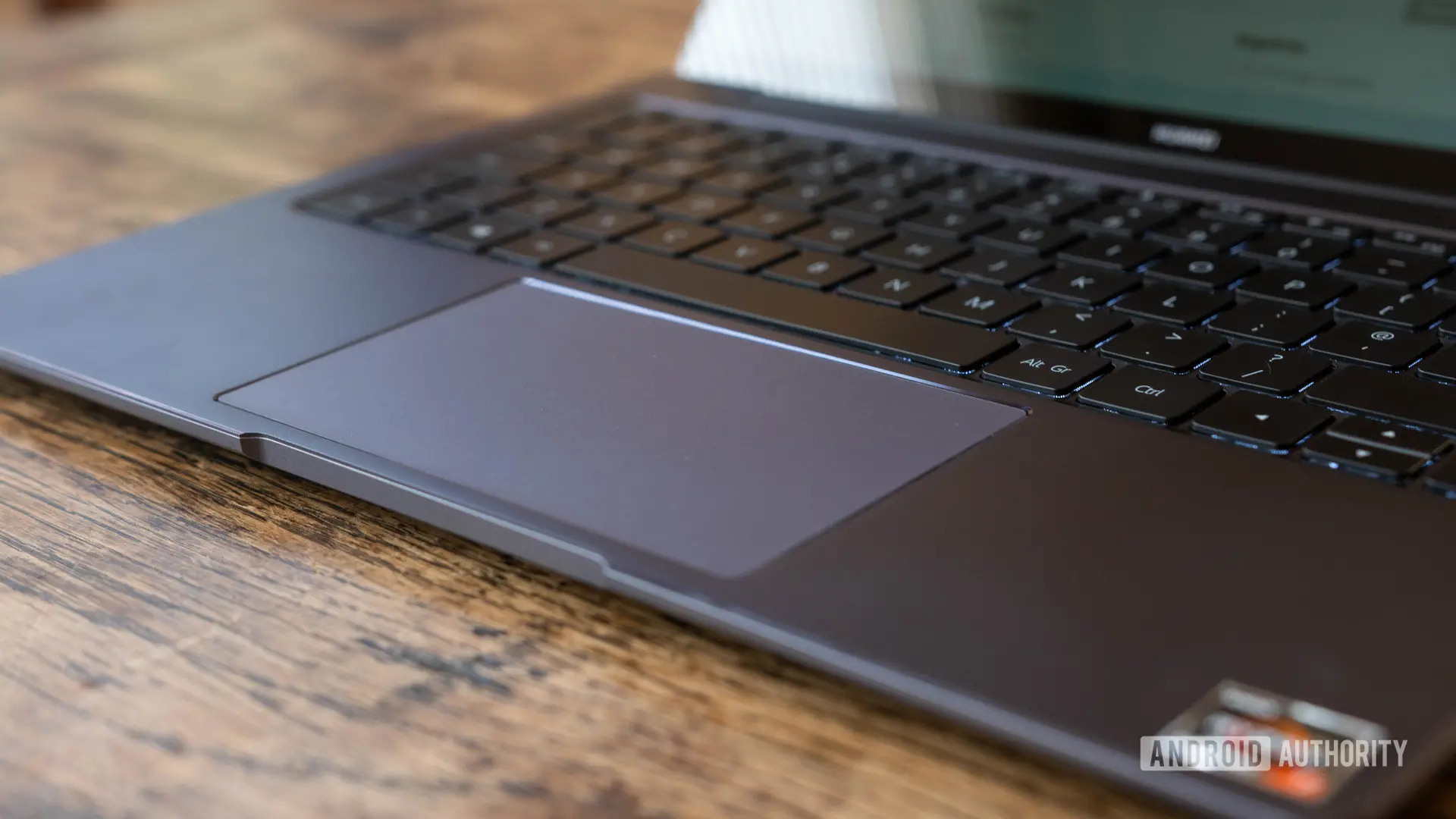
Google is developing a feature that would allow Android phones to act as a remote trackpad for its upcoming Googlebook laptops. Code within Google's Cross-Device Services app, version 1.0.1283.974003524, points to an in-development tool called Cast trackpad. The tool appears to let users control another device using their phone's touchscreen, with a set of on-screen controls and adjustable sensitivity.
What is Googlebook?
Googlebook is the name associated with a new family of laptops that Google and its hardware partners have been preparing for months. Unlike Chromebooks, which run ChromeOS, Googlebooks are expected to be built on an Android foundation. This fundamental difference is meant to bridge the divide between mobile and desktop, allowing apps from the Google Play Store to run natively in a laptop form factor and enabling deeper integration with Android smartphones. The first wave of Googlebook products is rumored to launch this fall from several manufacturers, creating a new ecosystem category for Google.
The idea of an Android-powered laptop is not entirely new, but Googlebook aims to do more than simply put Android on a larger screen. The project reportedly includes a set of cross-device services that make a phone and laptop work together as one cohesive system. Those services are already being developed inside Google's system apps, and the recent Cast trackpad discovery is one of the clearest signs yet of Google's ambition to solve the phone-PC fragmentation problem.
How the Cast trackpad works
According to code spotted during an analysis of the latest Cross-Device Services release, the Cast trackpad feature will support basic gesture controls that can differentiate between different input types. In practice, that likely means a user can tap on the phone's touchscreen to click, swipe with two fingers to scroll, and possibly perform other gestures to interact with on-screen elements on the target device. The feature also appears to include separate buttons for back and volume control, alongside sensitivity settings that would let users adjust how responsive the trackpad feels.
The presence of discrete buttons suggests that the trackpad interface is not meant to simply mirror a laptop's physical trackpad, but rather to provide a mobile-friendly remote control. The back button, for example, could be useful for navigating app menus or returning to a previous screen, while volume controls allow quick adjustments without having to find a keyboard or slider on the laptop.
Preliminary signs indicate that the feature is still in development and not yet visible to users. However, the fact that sensitivity controls are already present suggests that Google is thinking through the user experience details, including options for people who prefer a slower cursor or a more responsive touch surface.
Why would you need a phone-based trackpad?
The immediate use case may seem niche, but it could be quite practical in a number of scenarios. For example, imagine you connect a Googlebook to a projector in a conference room to present a slide deck. Normally, you'd need to remain close to the laptop to control the slides, or at least keep one hand near the keyboard for basic navigation. With the Cast trackpad, you could stand anywhere in the room, reach into your pocket for your phone, and use it to move the cursor, click through slides, switch to a different app, or adjust the volume.
Another possible scenario is using your Googlebook as a media hub while your phone is on the other side of the room. If you're streaming a movie or playing music, you could easily pause, rewind, or change the volume from the comfort of your seat. This turns the phone into a universal remote control for the laptop, much in the same way Google already allows users to control Google TV or Chromecast devices with an Android phone.
The Cast trackpad could also be useful for people with mobility impairments who find it difficult to reach a laptop or use a traditional trackpad. A phone's touchscreen is often more comfortable to hold and manipulate from various positions, and the adjustable sensitivity settings could accommodate different levels of fine motor control.
Linked to Cast My Apps?
The name Cast trackpad hints at a connection with Google's broader casting ecosystem. Earlier leaks have revealed that Googlebook will include a feature called Cast My Apps, which lets users cast an app running on an Android phone to the Googlebook screen. That feature appears designed to enable seamless app continuity, where a user starts doing something on their phone and can instantly continue on a larger display.
If Cast trackpad is related, it might represent the reverse direction of control. While Cast My Apps
Source:Android Authority News