

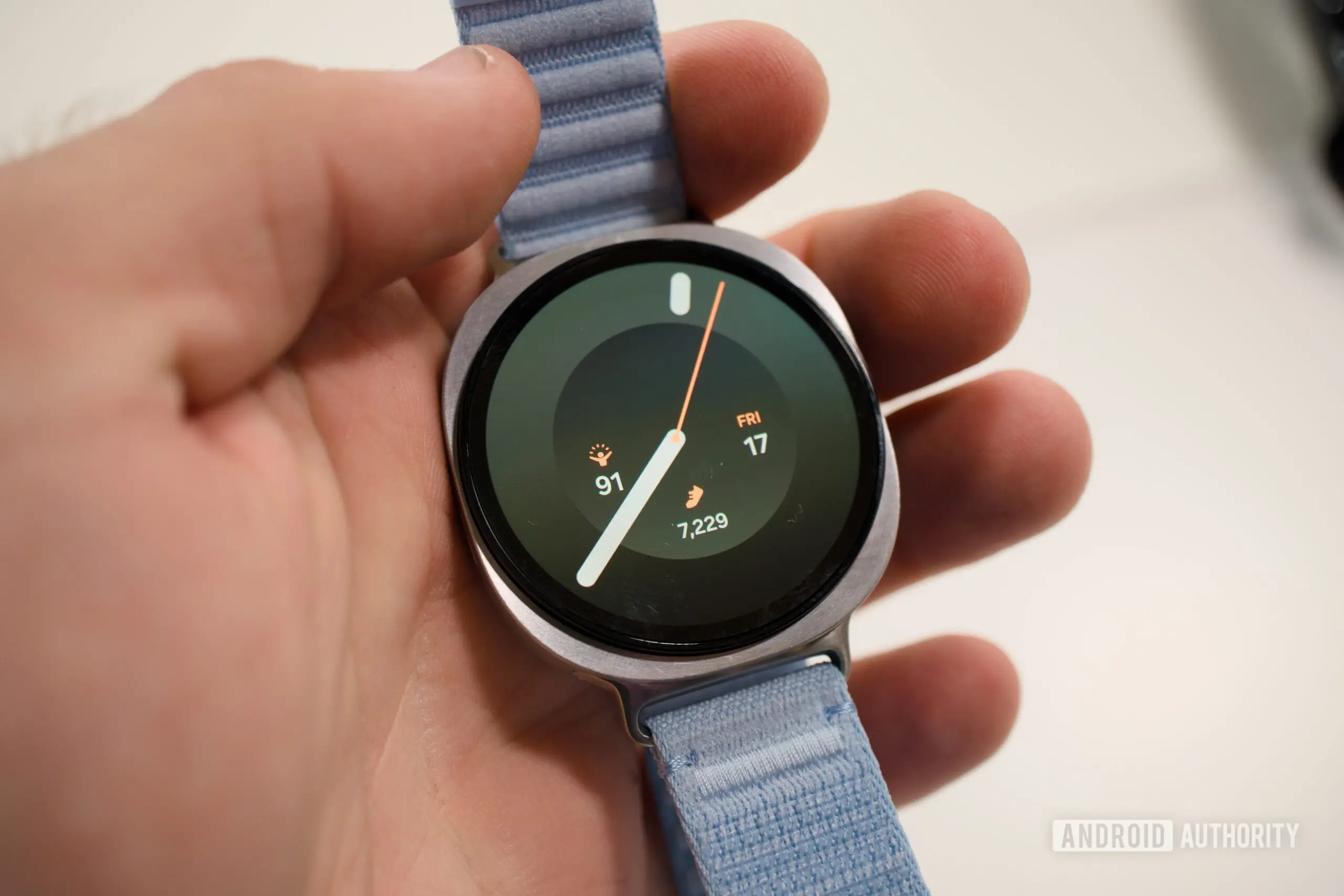
Since the launch of the Galaxy Watch 9 and Galaxy Watch Ultra 2, user reports have painted a frustrating picture. Although Samsung's marketing materials focus on convenience and fast charging, the real-world experience for a subset of buyers has been defined by long waits and creative cooling solutions.
Key facts at a glance
- Multiple owners report full charging times of two to four hours.
- Samsung advertises 80 minutes for the 40mm Watch 9 and 90 minutes for the 44mm Watch 9 and Watch Ultra 2.
- Thermal throttling appears to reduce charging power from 5.5W to 3.5W or lower.
- Some users use desk fans, thermal paste, and ice packs to keep charging speeds up.
- Compatibility problems with Watch 8 chargers and third-party docks are also being reported.
- Older Watch 6 pucks have reportedly charged faster than the included cable for some owners.
- Samsung has not yet issued an official statement about the issue.
According to multiple threads on Reddit and Samsung's official community forums, charging times have ranged from two hours on the smaller 40mm Watch 9 to four hours on the Watch Ultra 2. These figures are dramatically higher than Samsung's published ratings: 80 minutes for the 40mm model and 90 minutes for the 44mm Watch 9 and the Watch Ultra 2. A discrepancy of this size suggests a systematic problem rather than normal battery variance.
Observers and users point to thermal throttling as the main culprit. Wireless charging generates heat, and smartwatch components are sensitive to temperature. To protect internal hardware, the watch's firmware appears to repeatedly reduce the charging current when temperatures climb. The charging power has been observed falling from 5.5W to 3.5W or lower, which directly explains why a 90-minute charge can turn into a multi-hour session.
Desperate times have led to desperate measures. One user reported that aiming a desk fan at the watch during charging cut the time considerably. Another user went further by applying thermal paste between the charging puck and a metal heat sink, then placing the assembly on ice to keep temperatures down. These extreme DIY hacks are not recommended by Samsung, but they illustrate just how annoying the slow charging issue has become.
Beyond heat management, there are signs that the new watches have trouble negotiating power with certain chargers. Several owners on the US Samsung Community forum have said the watches display slow charging warnings or reject third-party docks entirely. The issue also appears to affect Samsung's own older accessories: some Watch 8 chargers no longer work as expected, while a handful of users report that the older Watch 6 puck actually charges faster than the included cable. This suggests a firmware handshake issue, where the watch and charger fail to agree on the optimum power delivery profile. If correct, the problem could be fixable with a software update.
Charging technology has become a battleground for wearables. Companies like Samsung have tried to balance battery capacity, charging speed, and thermals in increasingly compact shell designs. The Galaxy Watch 9 and Watch Ultra 2 use accelerated wireless charging that requires a firm connection with the puck and clean heat dissipation. In normal conditions, the official charger should deliver consistent power. But if the device's surface temperature rises too quickly, the internal management system steps in. This is not unique to Samsung: many phones and watches reduce charging speed when hot. The difference here is the magnitude of the slowdown.
The reports are not universal. Some early adopters say their Watch 9 charges without issue, hitting close to the advertised times. That mixed picture makes it harder to pin the blame on a flawed hardware design or a single firmware defect. Environmental factors like ambient temperature, case material, and even the position of the watch on the charger can influence charging speed. A watch left on a metal table with strong airflow will naturally remain cooler than one charging on a nightstand under a blanket.
Because the sample of complaints is growing, the issue deserves attention. Samsung has not yet provided an official explanation for the thermal throttling behavior. It has also not said when a software fix might be released. In previous cases, Samsung has resolved charging quirks through firmware updates that adjust charge curves and thermal thresholds. A similar update could help here.
Until an official solution arrives, affected owners can try simple steps: use the original charger, remove any case or band that traps heat, charge in a cool room, avoid using the watch while it is on the dock, and make sure the back of the watch is clean and dry. Enabling battery protection or a slower charge profile, if available, may also prevent throttling cycles. The extreme ice bath and desk fan methods are best viewed as proof of a problem, not a long-term solution.
Source:Android Authority News