

A flagship Galaxy phone should not stutter while switching between messages, a browser, and a photo-sharing app. Yet many users report exactly that: expensive hardware that can run demanding games at high settings sometimes feels sluggish on ordinary tasks. The culprit is not always heavy software, too many background apps, or a lack of physical memory. In some cases, it is a built-in Samsung feature called RAM Plus that is enabled by default.
Key facts
- RAM Plus is Samsung’s virtual memory feature. It borrows 2GB to 8GB of internal storage, or up to 12GB on Ultra models, and treats it as extra RAM.
- The feature is similar to a desktop paging file, but phone storage is far slower than physical RAM.
- On flagship Galaxy phones, LPDDR5X memory runs at theoretical speeds around 51,000 MB/s. UFS 4.0 storage tops out at about 4,200 MB/s on sequential reads, and latency is much worse.
- Device Care combines physical RAM and RAM Plus into one displayed total, which can hide the performance trade-off.
- Disabling RAM Plus on a phone with 8GB of RAM or more can reduce app reloads, keyboard lag, and interface stutter. The setting sits under Device Care > Memory and requires a restart.
- Samsung introduced RAM Plus with One UI 4 in late 2021 without an easy off switch. One UI 5 later added a toggle after complaints, but the feature still ships enabled by default.
What RAM Plus actually does
RAM Plus is Samsung’s name for virtual memory on Galaxy phones. When the feature is active, the system reserves a portion of internal flash storage and uses it as a swap area. The size can range from 2GB to 8GB on standard models and up to 12GB on Ultra devices. The phone then presents that reserved storage as additional memory, making the total available memory look larger than the physical RAM installed in the device.
The idea is not unique to Samsung. Desktop operating systems have used paging files for decades. When physical memory fills up, the operating system moves less-used data to disk and reads it back when needed. On a phone, the same principle applies, except the storage is soldered flash memory rather than a separate drive. The concept is reasonable in theory: if a device is running out of RAM, a slower overflow area is better than crashing apps or killing processes too aggressively.
The problem is that RAM Plus is not a one-to-one replacement for physical memory. It is a spillover area, and it comes with a significant speed penalty. That penalty is easy to miss because the phone does not display it as a penalty. It displays a larger memory number, which sounds like an upgrade.
The speed gap between RAM and storage
Physical RAM and flash storage are built for different jobs. LPDDR5X memory, used in high-end Galaxy phones such as the S25 series, is designed for rapid, low-latency access. Its theoretical bandwidth is around 51,000 MB/s. UFS 4.0 storage, even in Samsung’s fastest phones, reaches about 4,200 MB/s on sequential reads. That is already a difference of roughly 12 times, and sequential reads are the best-case scenario for storage.
Latency makes the gap more dramatic. Physical memory can respond in roughly 10 nanoseconds. A storage swap takes thousands of times longer. When the processor needs data that has been moved to flash storage, it must wait while the data is read back into RAM. To make room, something else may be pushed out. This cycle can repeat as the user switches between apps. Each switch through that slower path can add delay, even if the delay is short enough to be measured in fractions of a second. Over dozens of interactions, those fractions become noticeable.
This is why a phone can have plenty of physical RAM and still feel hesitant. The issue is not always how much memory the phone has. It is where the data is kept and how often the system chooses to move it. If the software sends background app data to flash storage before physical RAM is close to full, the phone pays a price it did not need to pay.
How Device Care hides the trade-off
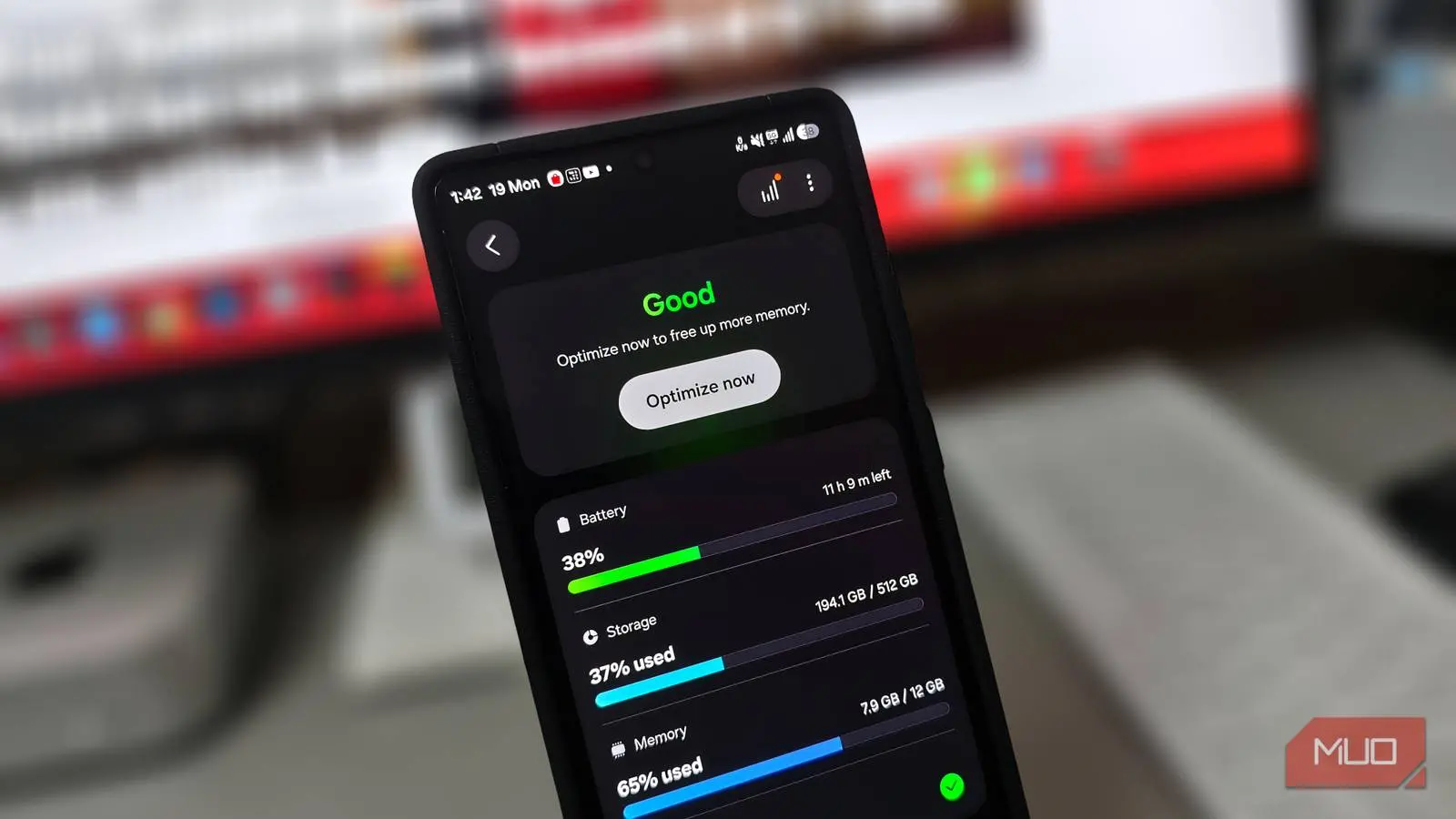
Samsung’s Device Care interface does not separate physical RAM from RAM Plus in the main memory display. A phone with 12GB of physical RAM and 4GB of RAM Plus can show 16GB as the total. That number looks impressive, and it fits the marketing story of a device with more memory for multitasking. But the two kinds of memory are not equivalent. One is fast, low-latency working memory. The other is a reserved slice of storage acting as an overflow area.
The combined figure can mislead users into thinking they have more usable high-speed memory than they actually do. It can also make it harder to diagnose lag. If the phone reports 16GB, why would it stutter on a simple app switch? The answer is that the phone may be managing data through the slower virtual layer even when the faster physical layer has room. The displayed total does not reveal which layer is doing the work at any given moment.
Why extra memory can slow a phone
A phone with 12GB of physical RAM can typically keep 15 to 20 apps loaded at once. Android is also designed to manage memory on its own. It uses zRAM, a compressed block of memory inside physical RAM, to hold inactive app data. Because zRAM stays in RAM, it avoids the storage round trip. On a device with a generous amount of physical memory, the system rarely runs out of room in the first place.
RAM Plus adds another layer on top of that. Even with zRAM working efficiently, Samsung’s software may shuffle background app data to flash storage before physical memory is anywhere close to full. The result is that the phone uses a slower path when a faster path was available. Instead of letting the hardware do what it was built to do, the system introduces an unnecessary swap cycle.
That behavior can show up in everyday use. A user takes a photo, switches to a messaging app to share it, and the messaging app reloads from scratch. The keyboard lags behind the first few taps after the screen wakes. Clearing the cache and installing updates do not help because the problem is not a corrupted cache or a missing patch. The phone has fast memory, but it is still moving data it did not need to move.
What the lag looks like on a high-memory Galaxy
The most frustrating part of RAM Plus lag is how ordinary the triggers are. It does not appear only under heavy load. It can appear when taking a photo and sharing it, when jumping between a browser and a chat app, or when waking the phone and typing immediately. These are not tasks that should stress a flagship device. They are the basics.
On a 12GB Galaxy S25, the pattern can be persistent enough to feel like a software defect. The camera works, the game runs, and benchmarks look healthy, but the interface hesitates in small ways. The keyboard may miss the first few taps. An app may reload instead of resuming where it was left. The home screen may stutter after a wake-up. Because the phone has so much physical memory, these symptoms are especially confusing. The hardware should be able to keep those apps in memory without reaching for storage.
When RAM Plus is disabled, the system no longer reserves that storage as a swap file. The phone restarts because memory configuration cannot be changed while Android is running. After the restart, the reserved storage is freed, and the interface can feel more responsive. The improvement is not because the phone gained more physical RAM. It is because the system stopped adding a slower layer between apps and the memory they should be using.
How to disable RAM Plus
The setting is found under Device Care > Memory. Inside that menu, RAM Plus can be turned off. The phone will prompt for a restart, since the system needs to reconfigure memory during boot. After the restart, the storage that had been reserved for virtual memory becomes available again. Users who want to test the difference can note how app switching, keyboard response, and camera-to-sharing workflows feel before and after the change.
It is worth checking the setting on a new Galaxy phone as well. Samsung still ships RAM Plus enabled by default. A user who never opens Device Care may never know the feature is active. The phone will simply display a larger memory total and behave as if that total were all high-speed RAM. For anyone troubleshooting unexplained stutter on a device with 8GB or more of physical memory, the toggle is a practical first stop.
A brief history of the RAM Plus toggle
Samsung introduced RAM Plus with the One UI 4 update in late 2021. At first, the system forced a permanent 4GB allocation, and there was no built-in way to disable it. Enthusiasts who wanted to remove the feature had to connect the phone to a computer and run developer commands in a terminal. That was not a reasonable solution for most users.
After widespread complaints about stuttering on high-end devices, Samsung added a proper on/off toggle in One UI 5. The change gave users a way out, but it did not change the default. The feature continued to ship enabled on new Galaxy phones. That history explains why the setting is still easy to overlook. It is no longer impossible to disable, but it remains buried in a menu and presented as a benefit rather than a trade-off.
The storage wear trade-off
There is another cost that users may not notice day to day. Flash storage has a finite number of write cycles. Virtual memory constantly moves background data on and off the disk, which adds writes over time. On a phone that will be kept for three or four years, that kind of disk thrashing can contribute to wear. The effect is unlikely to destroy a modern phone quickly, and storage controllers manage wear carefully, but it is still an unnecessary cost when the feature is not needed.
For a device with plenty of physical RAM, the benefit of RAM Plus is questionable. The phone already has enough fast memory for ordinary multitasking. Reserving storage as a slower overflow area does not make the fast memory faster. It simply gives the system another place to put data, and that place is much slower. The wear issue is secondary to performance, but it reinforces the same point: the feature should be a fallback, not a default on high-memory hardware.
Who should actually turn it off
The decision depends on the amount of physical RAM. A budget Galaxy with 4GB or 6GB of RAM may still benefit from RAM Plus. In that case, the extra virtual pool can hold one or two more apps alive in the background, and the alternative may be more aggressive app killing. The slower speed is a trade-off, but it can be a useful one on a memory-constrained device.
On any phone with 8GB of RAM or more, disabling RAM Plus is the first setting worth testing. Samsung markets the combined memory number as a feature, implying better multitasking and more headroom. But the combined number can hide the fact that some of that memory is storage. A phone with 12GB of physical RAM and 4GB of RAM Plus does not have 16GB of high-speed memory. It has 12GB of fast memory and 4GB of slower virtual memory presented as if they were the same.
For high-memory Galaxy owners, the practical test is simple: disable RAM Plus, restart, and use the phone normally for a few days. Pay attention to app reloads, keyboard response, and transitions between the camera, messaging, and browser. If the stutter disappears, the feature was likely forcing unnecessary swaps. Samsung still ships RAM Plus enabled by default, so the setting remains one of the first places to look when a capable Galaxy feels slower than its hardware suggests.
Source:MakeUseOf News