

Deeper Integration on the Horizon
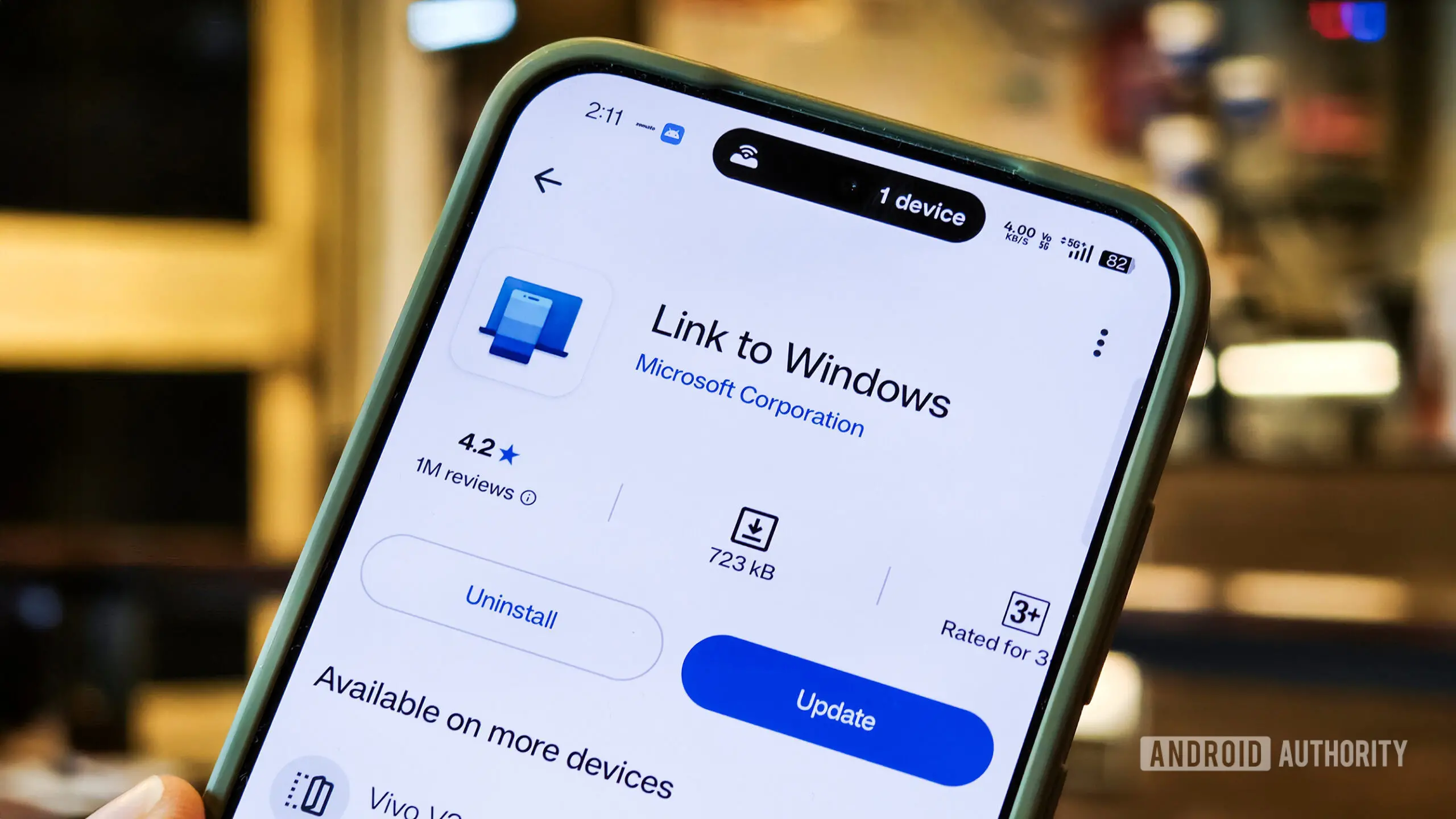
Microsoft has been steadily working to bridge the gap between Android phones and Windows PCs for years. The journey began in 2018 with the launch of 'Your Phone' and 'Your Phone Companion' apps, later rebranded as Phone Link and Link to Windows. These tools allowed users to access photos, messages, calls, and notifications from their Android device directly on a Windows 11 desktop. Now, a new report indicates that Microsoft is exploring significant upgrades to make this integration feel more native and seamless than ever before.
According to sources familiar with the company's internal roadmaps, several key enhancements are being prototyped. The goal is to reduce friction between the two platforms, enabling users to move fluidly between phone and PC without toggling multiple apps or interrupting their workflow. These changes are not just incremental but represent a fundamental shift in how Microsoft envisions cross-device productivity.
One of the most significant improvements targets the Phone Companion, a feature accessible from the Start menu. Currently, the Phone Companion provides a snapshot of recent phone activities, such as messages or photos, but users often need to open the full Phone Link app to interact with them. The new iteration is expected to show more recent activities directly in the companion, allowing users to hover over items to view details—like reading a full message without launching another window. This saves time and keeps the user focused on the task at hand.
New Taskbar Flyout for Quick Access
Perhaps the most visually noticeable change is a dedicated smartphone flyout accessible from the taskbar. A mock-up provided by the report shows a phone icon appearing on the system tray when a device is connected. Clicking this icon opens a compact flyout that displays an overview of the phone's status: battery level, signal strength, notifications, and connectivity. Below that, several toggles are available for features like Do Not Disturb, Vibrate Mode, and even a 'Find Phone' button that triggers the phone to ring loudly, helping locate it nearby.
This flyout goes beyond status monitoring. Users will be able to drag and drop files directly onto the phone icon to transfer them to the device, removing the need for cloud services or cables. For example, a photo in File Explorer can be dragged to the icon, and it will automatically appear on the phone's storage. Similarly, copying a link or piece of text on the PC could be instantly available on the phone through clipboard syncing.
The taskbar integration is a smart move. It places phone controls at the user's fingertips, exactly where they look for other system controls like volume or Wi-Fi. This reduces the cognitive load of switching contexts, as users no longer need to hunt for the Phone Link app or rely on phone notifications only. It also signals that Microsoft sees the phone not as a separate device but as an extension of the PC experience, similar to how Apple has integrated iPhone features into macOS.
Clipboard History Syncing
Another upgrade addresses one of the most requested features: true clipboard history synchronization. Currently, Windows 11 and Phone Link allow basic clipboard sharing, but only the most recent item copied is transmitted. If a user copies a second item, the first is lost between devices. Microsoft is prototyping an improvement that would sync the entire clipboard history between the phone and PC, similar to how Windows 10's cloud clipboard works across multiple PCs.
When implemented, users would be able to copy text, URLs, or images on their phone and then paste any of the recent clips on their Windows 11 PC, and vice versa. This is a game-changer for productivity—journalists, researchers, and professionals often copy multiple pieces of information in sequence. The ability to recall any of those clips from the other device eliminates the need to email notes to oneself or use third-party tools. It also deepens the ecosystem lock-in, making Android + Windows a more compelling alternative to the Apple walled garden.
The clipboard history would likely appear in a dedicated panel within Windows, accessible via the standard clipboard shortcut (Win+V). Syncing would be handled through Microsoft's cloud backend, likely tied to the user's Microsoft account, with encryption to protect sensitive data. This feature, if released, would be a clear competitive advantage over the limited cross-device clipboard options available from Google or Samsung.
Standalone Messages App
The most ambitious change may be the introduction of a new standalone Messages app for Windows 11. Currently, messaging capabilities are embedded within the Phone Link app, which can feel cluttered and limited. The new app would be a separate, lightweight application that can be pinned to the Start menu or taskbar, behaving like any native Windows app. It would sync messages from the phone, support both SMS and RCS (where available), and allow full conversation management without requiring the Phone Link app to be open.
This separation makes sense for user experience. Messaging is a frequent, real-time activity, and having it in its own dedicated window means users can respond quickly without navigating through Phone Link's interface. The app could also support additional features like message search, group chat management, and integration with Windows notifications. If Microsoft adds rich communication services (RCS) support, it would bring the Android messaging experience closer to iMessage's parity, albeit still dependent on the phone being connected.
The standalone Messages app would also be a boon for businesses. Employees using Android phones for work could message colleagues from their PC with full keyboard efficiency, without needing to look at their phone. Combined with the clipboard and taskbar improvements, the entire cross-device experience becomes more fluid and professional.
Prototyping and Future Release
All these features are still in the prototyping stage, according to the report. Microsoft is actively tweaking designs and functionality based on internal feedback. It is also expected to gather extensive input from Windows Insiders before any public rollout. Given the company's recent history with Phone Link updates—such as the introduction of photo editing tools and call management—these new features could debut in a future major Windows 11 release, possibly version 24H2 or later.
Some features may change before reaching users. For instance, the taskbar flyout might be simplified or moved to a different location based on usability testing. The clipboard history sync might require additional security measures given privacy concerns. And the standalone Messages app could be folded back into Phone Link if it proves redundant. However, the direction is clear: Microsoft wants Android phones to feel like native peripherals on Windows 11, not afterthoughts.
This effort is part of a broader strategy to compete with Apple's ecosystem integration. While Apple has long offered seamless handoff between iPhone, iPad, and Mac, Microsoft historically relied on third-party apps and cloud services. With Phone Link improvements, the company aims to deliver a similarly polished experience for the billions of Android users worldwide. Given that Windows still dominates the desktop market, this could be a powerful differentiator.
The company is also reportedly exploring deeper integration with Android's notification system, enabling interactive notifications that can be acted upon directly in Windows. For example, replying to a WhatsApp message from the notification toast without opening the Phone Link app. This would require close collaboration with Google to ensure compatibility across Android versions and manufacturers.
Users should expect a phased rollout. The taskbar flyout and improved Phone Companion might arrive first, as they are relatively straightforward changes. Clipboard history syncing and the standalone Messages app involve more complex backend work and may take longer. Microsoft will likely announce these features at a future event, such as Build or a Windows 11 feature update reveal, along with an invitation for Insiders to test early builds.
In summary, these changes represent Microsoft's most ambitious push yet to make Android and Windows 11 work together as a cohesive system. By embedding phone controls directly into the taskbar, enabling full clipboard history across devices, and introducing a dedicated messaging app, the company is removing barriers that have long frustrated users. While still prototypes, these features signal a future where the line between phone and PC blurs, empowering users to work, communicate, and create without interruption. The only missing piece is support for iPhone, which remains limited due to Apple's restrictions on third-party integration. But for the vast Android ecosystem, Windows 11 is about to become an even better partner.
Source:Android Authority News