

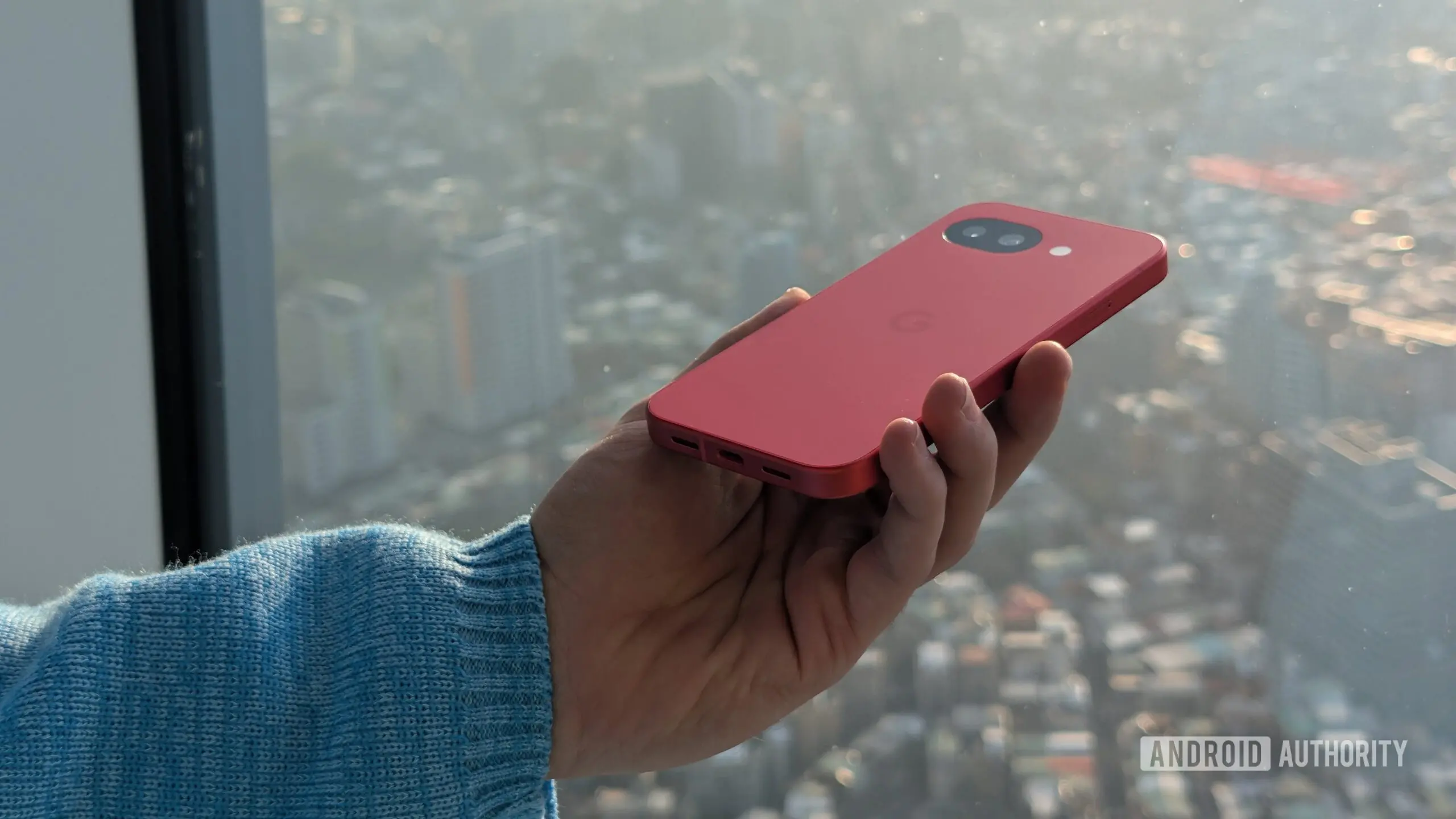
Having ubiquitous access to voice assistants is one of those modern conveniences that’s all too easy to take for granted. With as many connected devices as there are in our lives, a lot of us are within earshot of an eager virtual assistant more often than not. While we’re usually just a quick wake word away from accessing them, that process doesn’t always work as smoothly as we’d hope. Right now, a bunch of Pixel users have been complaining about some issues with how their devices respond to “Hey Google,” but we’ve got some good news to share with them.
The Audio Spike: A Wake Word Surprise
Over the weekend, a submission to Reddit’s Pixel sub detailed the underlying problem here: When wearing headphones, after delivering your “Hey Google” wake word, affected phones would momentarily crank the volume to ear-splitting levels. While it would almost instantly go back to normal, that is not at all the sort of experience you want when all that volume is being pumped directly into your ears. The spike is brief—often less than a second—but it's enough to startle users and potentially cause discomfort or even hearing damage if repeated. Several owners of Pixel 9 and Pixel 10 series hardware confirmed experiencing the same issue, which tends to crop up when they’re listening to music or other media. The effect doesn’t appear to be related to the new assistant volume controls in Android 17, which were introduced to separate voice assistant audio from media volume.
Scope and Confusion
Users are running into this behavior with all variety of connected audio accessories. Some have reported the glitch with Google’s own Pixel Buds, while others have encountered it using third-party Bluetooth headphones from Sony, Bose, Sennheiser, and even wired headsets. In one extreme case, a user said the volume spike also occurred during an Android Auto session in their car, blasting the car’s speakers unexpectedly. This suggests the bug is likely at the software level, possibly in the audio routing or the Gemini activation process, rather than a hardware or specific accessory fault.
The exact conditions that trigger the spike are still unclear. Some users say it happens every time they use the wake word, while others see it sporadically. A few have noted that it only occurs when media is playing, but others report it even when no audio is active. The phenomenon has been reported on various Android versions, including the latest Android 17 beta, which makes it harder to pinpoint. The reaction on Reddit’s Pixel community has been a mix of frustration and dark humor, with many users joking that Google’s "Hey Google" now comes with an unintended volume boost.
Google's Response: Data Gathering Mode
So, what’s the good news? Well, even though we don’t have a fix to share with you just now, Google’s on the case. The official Pixel Product Support Team account has reached out to the Redditors in that post who reported observing this effect on their devices, and hopefully that means the team’s gathering data to ultimately narrow down the cause and identify a possible fix. In recent years, Google has become more responsive to user reports on social media and community forums, often using direct outreach to obtain logs and detailed error reports. This approach has helped resolve previous audio-related bugs on Pixel devices, such as the infamous "crackling sound" issue on the Pixel 3 and the Bluetooth dropout problems on the Pixel 6. The team’s prompt engagement this time is a positive sign.
Right now we can’t say with any confidence when you might be able to expect a resolution, so maybe consider slipping the headphones off next time you need to talk to Gemini. In the meantime, users can try a few workarounds: lowering the default media volume before using the wake word, disabling "Hey Google" when connected to audio devices, or switching to a different assistant like the built-in Google Assistant (though the bug may affect that too). Some have reported that turning off "Hey Google" voice match and using the button activation instead avoids the spike entirely, but that defeats the purpose of a hands-free assistant.
Background on Voice Assistant Audio Issues
Audio glitches tied to wake words are not entirely new in the smartphone world. Other devices and platforms have experienced similar bugs: Amazon’s Alexa occasionally spikes volume on Echo devices during certain commands, and Apple’s Siri has had known issues with volume normalization in CarPlay. What makes this case particularly concerning is the momentary nature of the spike—it’s not a persistent loudness but a sudden blast that could cause hearing damage if the user is caught off guard. The human ear is sensitive to sudden loud noises, and even a brief exposure to levels above 85 decibels can cause temporary threshold shift or permanent damage over time. With many headphones capable of delivering over 110 decibels, the risk is real.
The underlying cause likely lies in the way Android handles audio focus changes when the assistant is activated. When the user says "Hey Google," the system pauses media playback, routes audio to the assistant for listening, and then resumes media. A bug in the audio routing logic could fail to properly duck the volume before resuming, or it could briefly switch to a different audio session that is at full volume. The new Android 17 assistant volume slider was designed to give users separate control over assistant audio levels, but if the bug is in the transition, that slider might not help. Google’s engineers will need to review the audio stack, the Google app’s wake word handling, and the Pixel’s DSP (digital signal processor) code to pinpoint the exact step where the gain jumps.
What to Expect Next
Google has not yet provided a timeline for a fix, but based on prior similar incidents, a patch could come in a future Google Play Services update or as part of a monthly Pixel security patch. The company may also push a fix through the Google app beta channel to test first. Users subscribed to the Android 17 beta may see a resolution sooner if the bug is linked to that software version. In the meantime, the affected community has banded together to share logs and step-by-step reproduction steps on the official Google Issue Tracker. More than 50 users have already starred the reported issue thread, increasing its visibility.
The good news is that Google’s engagement suggests they take the problem seriously. The Pixel Product Support Team has requested that users send a bug report from their device immediately after experiencing the spike. This data will include audio logs, system logs, and timing information that can help engineers replicate the bug in a lab. Past examples like the Pixel 4’s face unlock problems or the Pixel 5’s camera crash show that Google can often roll out a corrective update within two to four weeks after acknowledgment.
Until then, users should take precautions. When using headphones with "Hey Google" enabled, avoid high volume levels that could amplify the spike. If you frequently use the wake word while listening to media, consider using a button or gesture to trigger Gemini instead. The bug is not believed to be widespread enough to affect all Pixel owners, but those who encounter it should report it through the official channels to speed up the resolution. As voice assistants become more deeply integrated into our daily routines, even minor glitches can become major annoyances—but with Google on the case, peace and quiet should be restored soon.
Source:Android Authority News